

Anatomy of an Epic
An epic begins as a document. Requirements, ambitions, constraints, references. It could be three paragraphs or thirty pages. PracticAI.org’s specification was 15,000 words, covering content types, audience mapping, information architecture, engagement features, build infrastructure, success metrics, and phased delivery.
Big Bang turned that into 11 executable phases, 78 work units, and 166 identified gaps in under ten minutes.
Here is exactly how.
The Specification
The specification is the practitioner’s complete intent. Not user stories. Not acceptance criteria. The full picture of what the system must be, who it serves, and why.
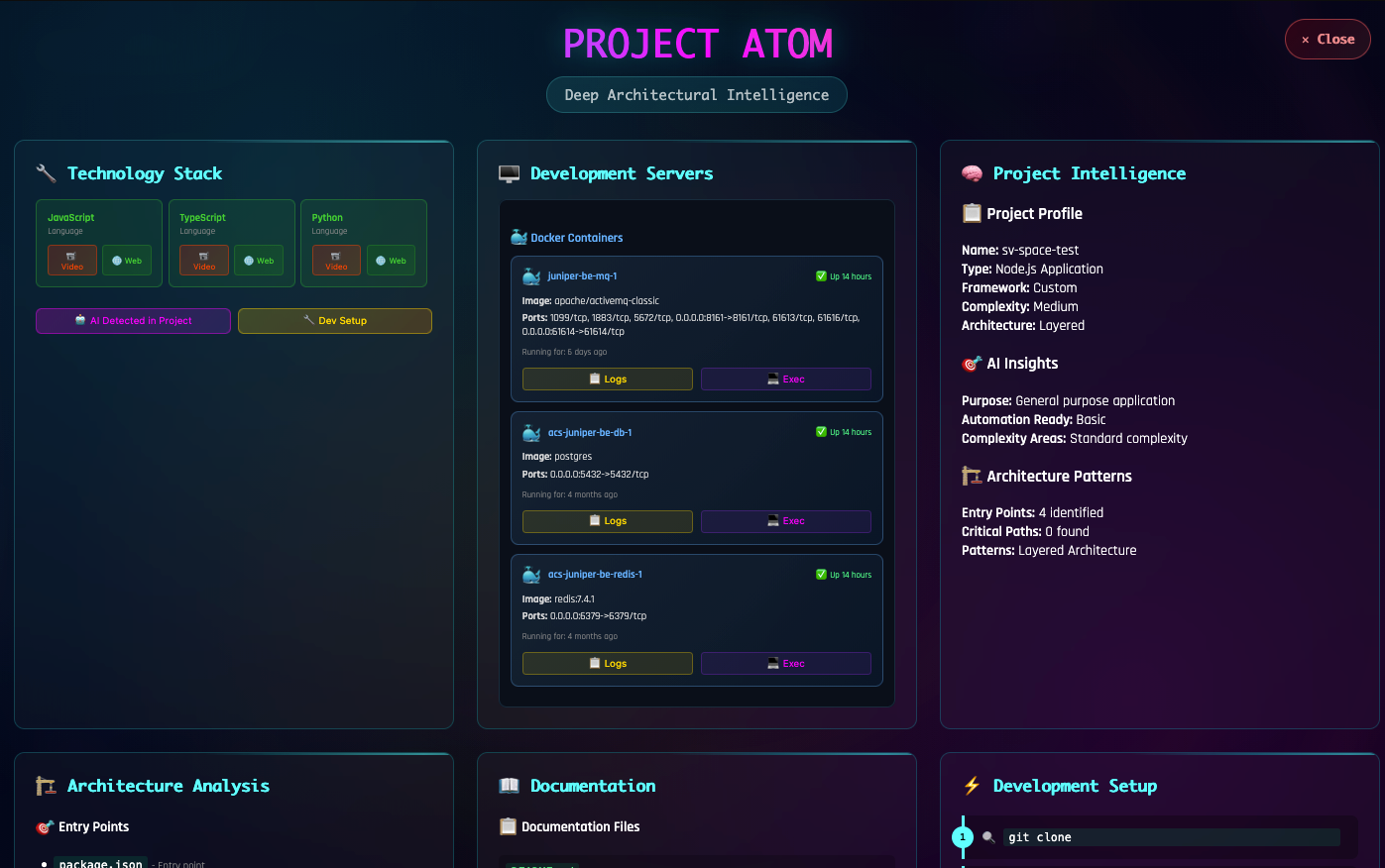
PracticAI.org’s specification declared:
- Four content zones (Doctrine, Practice, Journal, Community)
- Five-artifact demo bundles (podcast, screenshare, essay, video, repo)
- Three audience personas (Awakening, Stuck, Operating Principals)
- A content data model (JSON + markdown, git-committed)
- An Astro frontend and Node/Express backend
- An admin interface with demo lifecycle tracking
- StellarView integration for the “Publish as Demo” pipeline
- CI/CD with boot checks, QA/production environments
Everything the AI needed to decompose intelligently was in the document. The critical word: everything. The specification was not truncated. Every section, from purpose to open questions, reached the AI.
The Decomposition
Big Bang’s decomposition is a two-phase AI operation:
Phase A: Structure Planning
The AI reads the full specification and proposes phase boundaries. Not by counting features. By identifying dependency chains:
- Phase 1 must exist before Phase 2 can build on it
- The Astro site must render before the backend can serve content to it
- The admin dashboard needs the content API before it can manage content
- StellarView integration needs the ingestion pipeline before it can scaffold demos
The result: 11 phases in dependency order.
Phase 1: Astro Foundation and Design System
Phase 2: Doctrine Zone with Versioning and Citations
Phase 3: Journal Zone with Tagging and RSS
Phase 4: Demo Bundle Frontend and Practice Zone
Phase 5: Community Zone with Comments and Newsletter
Phase 6: Node/Express Backend Foundation and Content API
Phase 7: Pagefind Search and Site Polish
Phase 8: Admin Dashboard and Demo Lifecycle Tracking
Phase 9: StellarView Integration and Demo Ingestion Pipeline
Phase 10: CI/CD Pipeline and AWS Infrastructure
Phase 11: Integration Testing and Launch Preparation
Phase B: Work Unit Generation
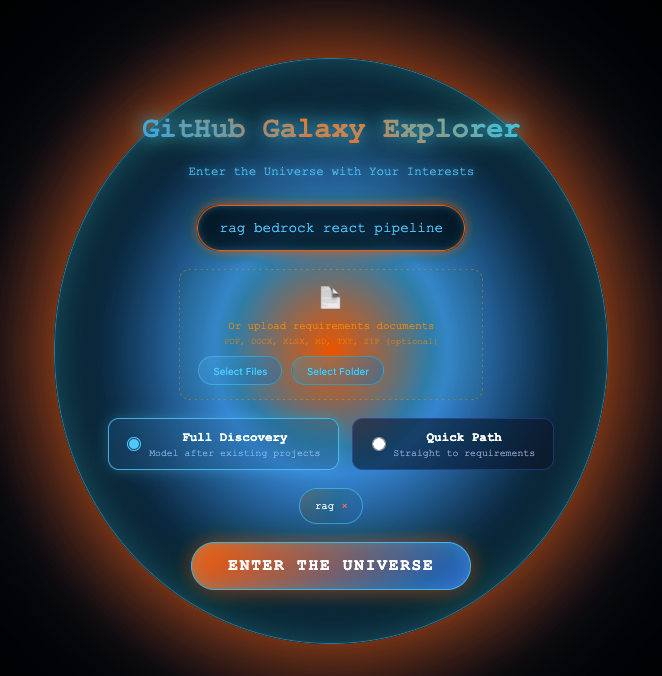
Each phase is decomposed into 6-8 work units. Each work unit represents 1-3 commits, small enough to execute atomically, large enough to be meaningful.
A work unit includes:
- Title and scope: what it builds
- Functional requirements: 3-5 specific things it must do
- Technical specs: implementation details
- Dependencies: which WUs must complete first
- Estimated hours: effort sizing
- Gaps: open questions the AI identified but cannot answer
The Architecture Diagrams
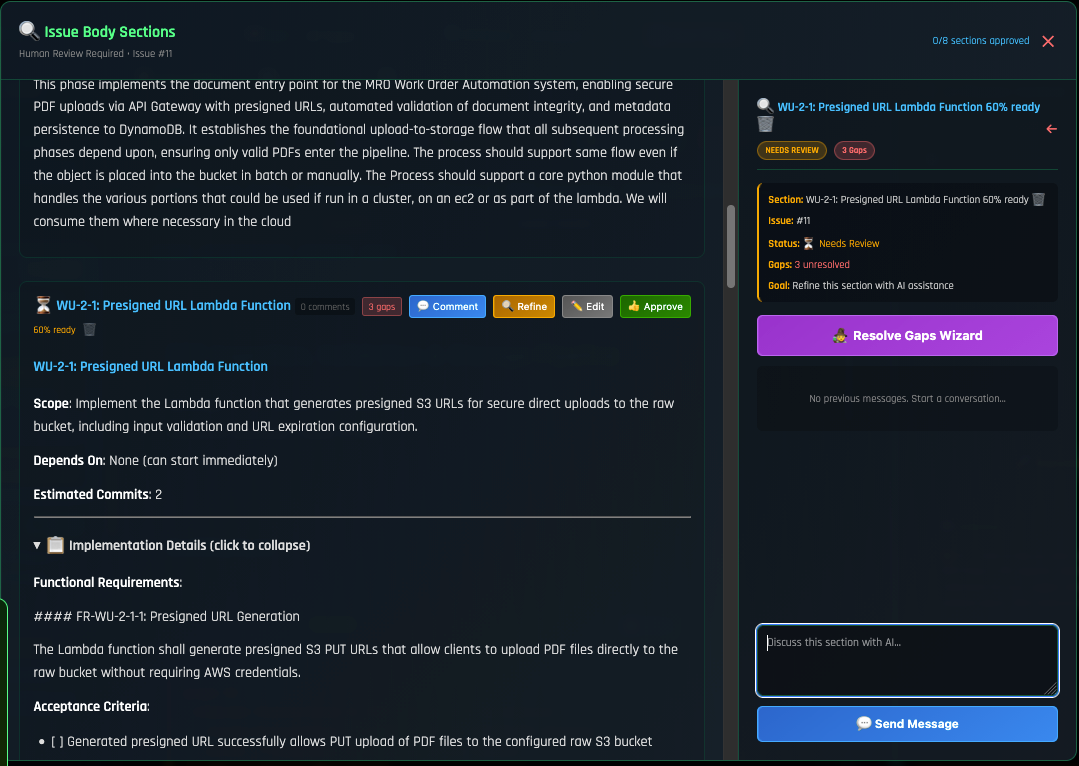
Every phase and many work units have Mermaid architecture diagrams. These are not decoration. They are the AI’s structural understanding made visible.
Phase 4’s diagram shows how demo content collections flow through the filter state manager to the practice zone grid:
graph TB
 subgraph Phase4[Phase 4: Demo Bundle Frontend]
 DC[Demo Content Collection] --> DG[Demo Grid Page]
 DC --> DD[Demo Detail Page]
 DD --> TABS[Tab Component]
 TABS --> PODCAST[Podcast Panel]
 TABS --> VIDEO[Video Panel]
 TABS --> ESSAY[Essay Panel]
 TABS --> SCREEN[Screenshare Panel]
 TABS --> REPO[Repository Panel]
 DG --> FILTER[Filter State Manager]
 FILTER --> STAGE[Journey Stage Filter]
 FILTER --> TAG[Tag Filter]
 end
When the diagram is wrong, you know the AI misunderstands the architecture. Fix the diagram before execution. The diagram is the blueprint.

The Gaps
This is where Big Bang earns its keep. The AI does not pretend to know what it doesn’t know. It flags gaps, open questions that must be answered before execution.
PracticAI.org’s 166 gaps included:
- “Should doctrine versions be diffable, or just listed chronologically?”
- “What GitHub Discussions category mapping should Giscus use?”
- “Is the newsletter double opt-in or single opt-in?”
- “Should the admin dashboard use the same Astro framework or be a separate React app?”
- “What YouTube API quota limits apply to transcript fetching?”
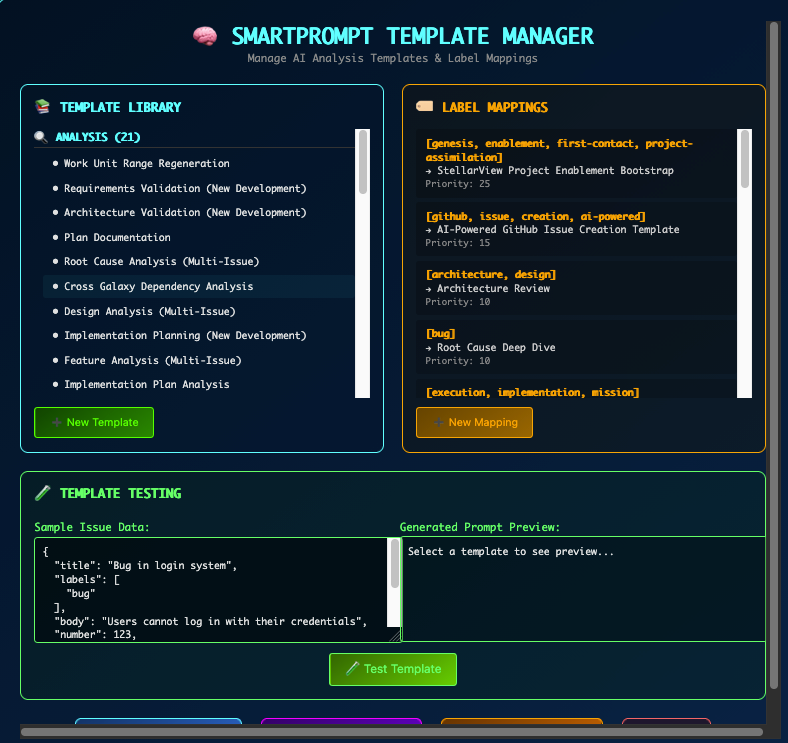
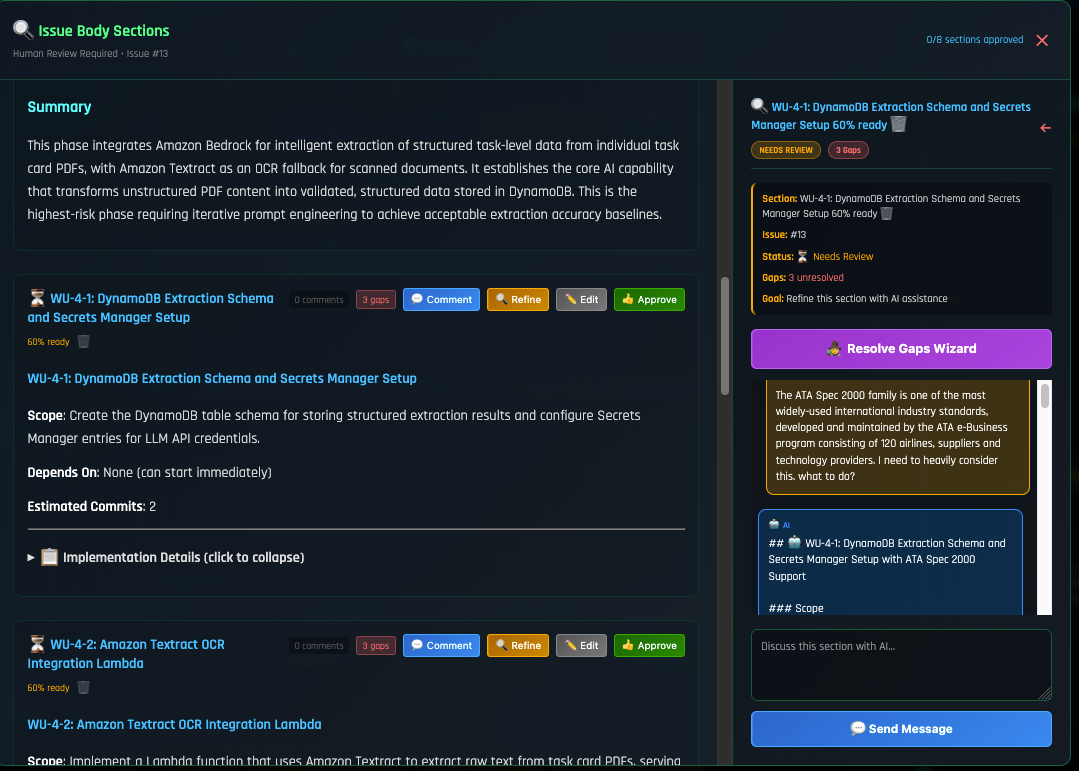
Each gap is addressable directly in the epic, click the gap, type your answer, hit the checkmark. The answer saves to the draft and flows into the execution context.
The Editable Surface
Everything in the epic is editable before unleash:
- Phase titles: rename to match your mental model
- Work unit scope: narrow or broaden as needed
- Functional requirements: add, remove, rewrite
- Architecture diagrams: edit the Mermaid source directly
- Gaps: answer inline, add new ones
- Dependencies: adjust ordering
- Hours: re-estimate based on experience
The AI proposes. The practitioner refines. The epic is a living design document, not a generated artifact you accept or reject wholesale.
The Unleash
When the epic is ready, hit Unleash. Big Bang:
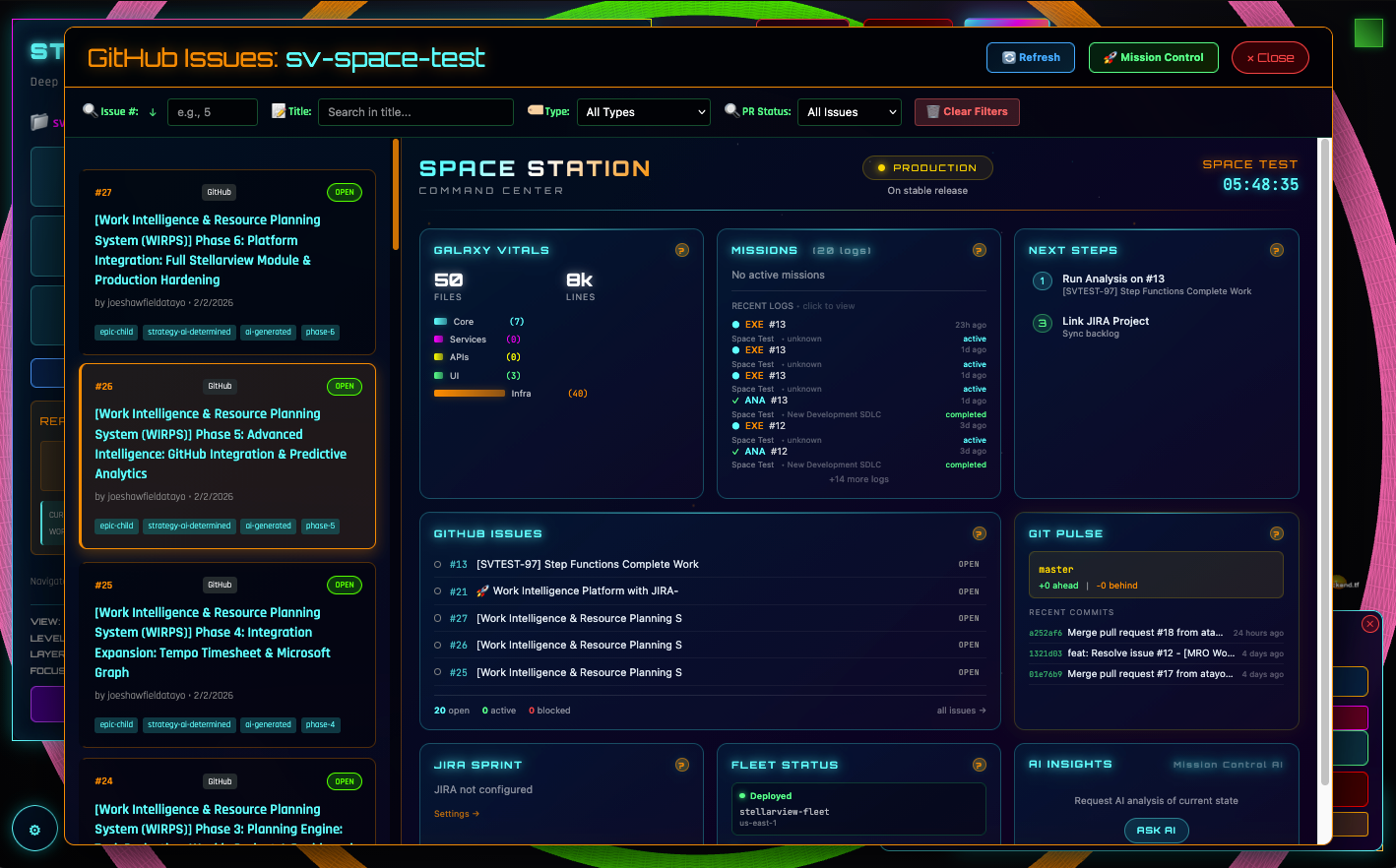
- Creates the parent epic issue on GitHub with the full specification
- Creates one child issue per phase with work units, FRs, gaps, and architecture diagrams
- Mirrors to JIRA if configured (the SOLARSCORE space, the WALTERSFL space)
- Marks phases as published in the staging draft
- The epic is ready for Miracle Mode
After Unleash
The epic lives in three places simultaneously:
- Big Bang: the visual design surface, editable, with phase cards and Miracle controls
- GitHub: the issue tracker, with full work unit specs in the issue body
- JIRA: the sprint board, with tickets mirrored from GitHub
Changes flow: edit a gap response in Big Bang → update saved to draft → reflected in the next analysis or execution context. The epic is not static after unleash. It evolves as the practitioner learns from each phase’s execution.
Why This Matters
Traditional project management: someone writes user stories, someone estimates them, someone assigns them, someone builds them, someone tests them. Six handoffs. Six translation losses.
Big Bang: one practitioner holds the full spec, decomposes it with AI assistance, refines it visually, and unleashes it for autonomous execution. Zero handoffs. Zero translation loss.
The vision that entered the specification is the same vision that reaches Miracle Mode. Nothing was lost crossing the bridge.
Try it: Open Big Bang in StellarView. Paste any specification. Watch it decompose. Edit the gaps. Unleash when ready.